
AI Legal Drafting for Personal Injury
AI drafting that understands your case
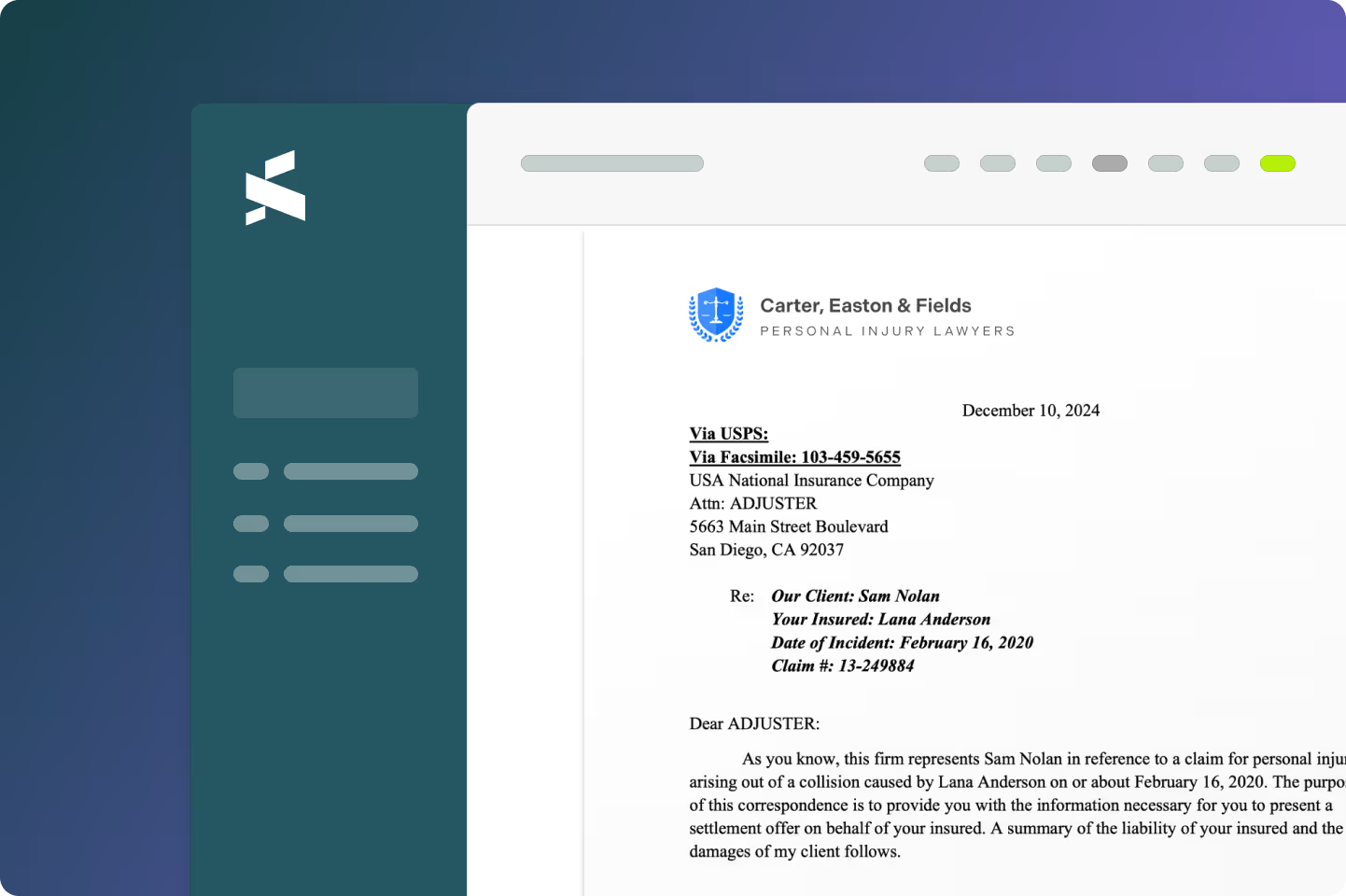
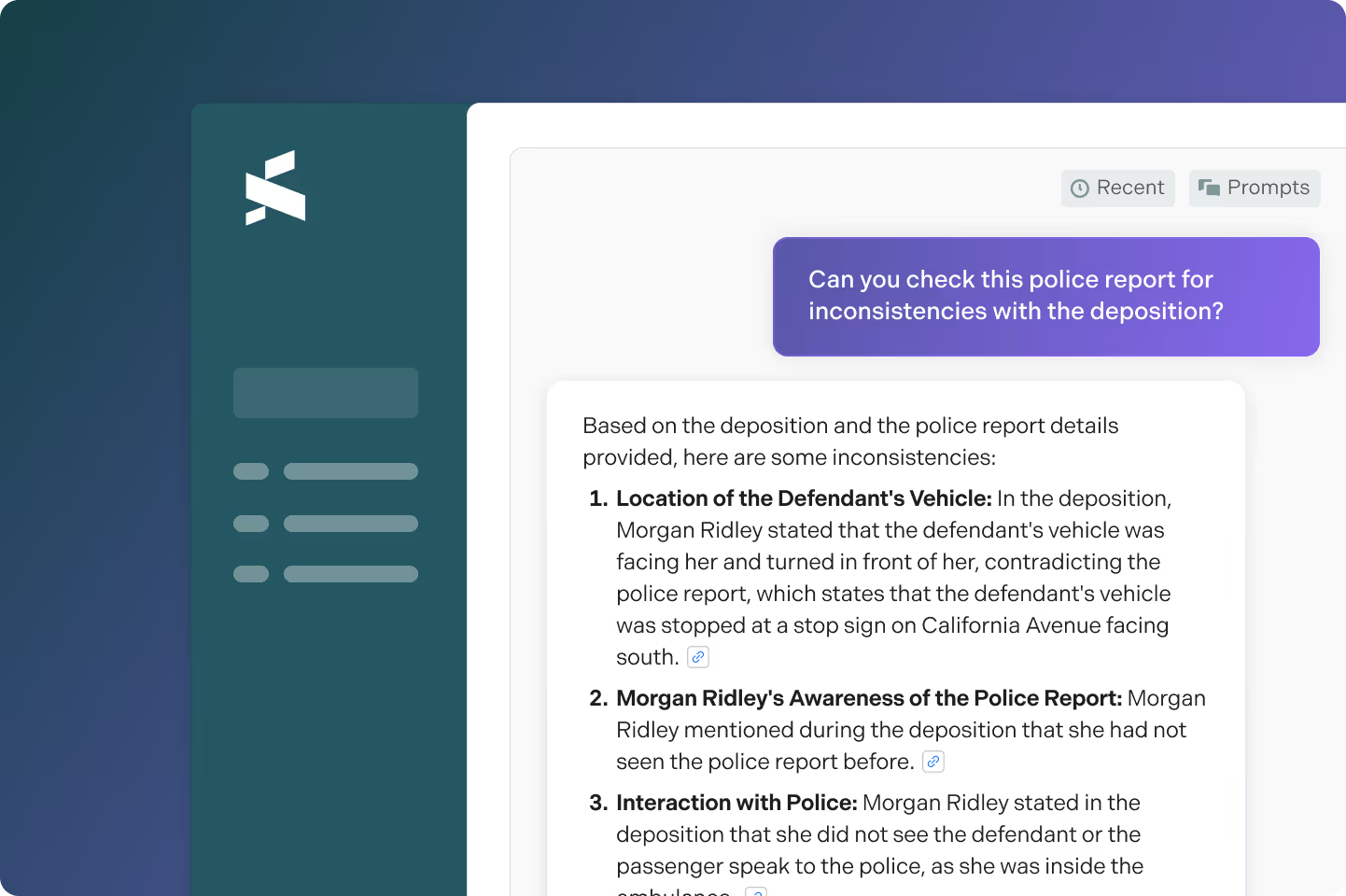
Supio Agent delivers fast, accurate drafts in your firm’s voice and structure, grounded in case facts and modeled after your own examples. Turn hours of legal drafting into moments of strategic refinement with AI that cross-references medical records, depositions, and discovery materials automatically.
What makes Supio’s AI legal drafting different?

Letters of Representation

Demands

Complaints

Written Discovery Requests
AI-drafted interrogatories, requests for production, and requests for admission — tailored to the facts of your case. Spend less time on boilerplate, more time on strategy.

Interrogatory Responses

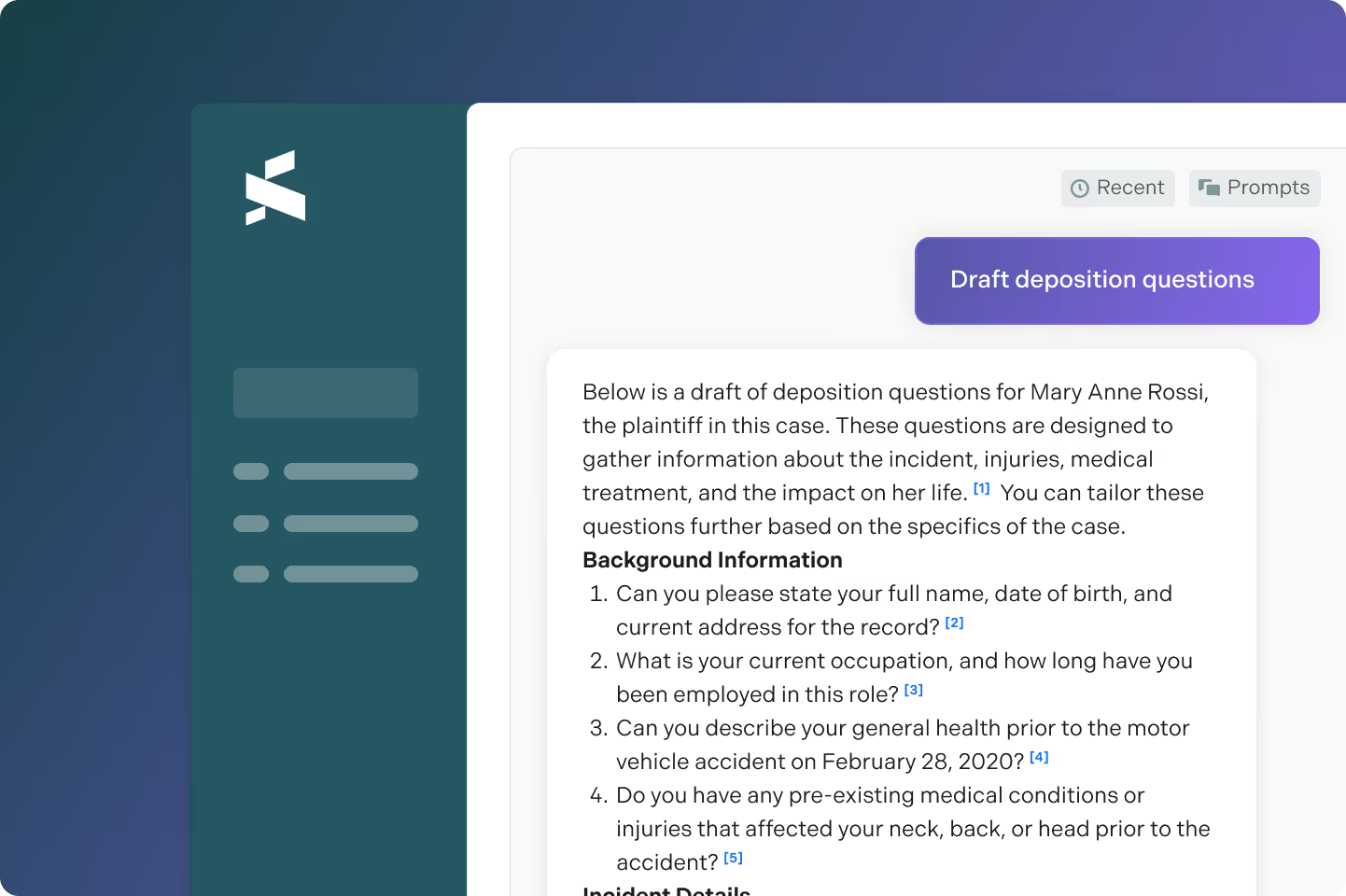
Deposition Outline

Mediation Briefs

Expert Disclosure
Keep your experts admissible. AI identifies and eliminates inconsistencies between expert opinions, pleadings, interrogatories, and case chronology before opposing counsel does.
AI Drafting backed by evidence, not interpretations
Turn hours of drafting into moments of strategic refinement.
Draft anything with Supio Agent
Supio Agent will find previous examples of any legal document you’ve created, and will draft it mirroring your voice and structure for your current case. Save your best examples of any document to your knowledge base and establish the drafting process as a skill that Supio can run on repeat.
Review and revise with help from Supio Agent
Use AI to sharpen your drafts by re-drafting sections or adding new ones, generating citations, or asking it to explain what it generated
Build exhibit packages in minutes
Instantly generate exhibits packages from your case material to pair with a drafted document or to send for expert review. You maintain full control over sections, order, and bates stamping.

.avif)

.webp)


%201.avif)
.avif)


%20V2.avif)

.avif)

.avif)

.webp)
Frequently Asked Questions
When starting a new draft in Supio, simply provide two previous examples of the same kind of document that you’d like to draft, select the case context you’d like to reference, and Supio will create a draft for your current case using the sections and style from your references. You can even save your two examples as a blueprint for repeated use.
Yes, Supio’s drafting can capture your header and footer, ensuring your firm’s letterhead appears on AI drafted documents.
Yes, Supio allows you to upload your pleading templates and export final drafts onto those templates.
No, Supio allows you to provide your examples and save them as a blueprint that you can continually reuse.
No, Supio allows you to save pre-configured exhibit templates so that you can quickly draft a new package for your case. For example, for worker’s compensation cases you can save a template to quickly place files in pure chronological order.
See Supio in Action
Book a demo to see all the ways Supio can help your firm maximize settlements and take on more cases.